Inspect
Open the toolbar, then click an element. A selection frame locks on and the panel opens beside the page.
The live-page design inspector
Pixel Poke lets you adjust any loaded webpage by eye, then export CSS and notes. It changes nothing in the site or its files.
Add to ChromeSelect, tune, and hand off live UI directly from Chrome.
Works on pages you own, competitors’ pages, staging, production, and pages without source access.
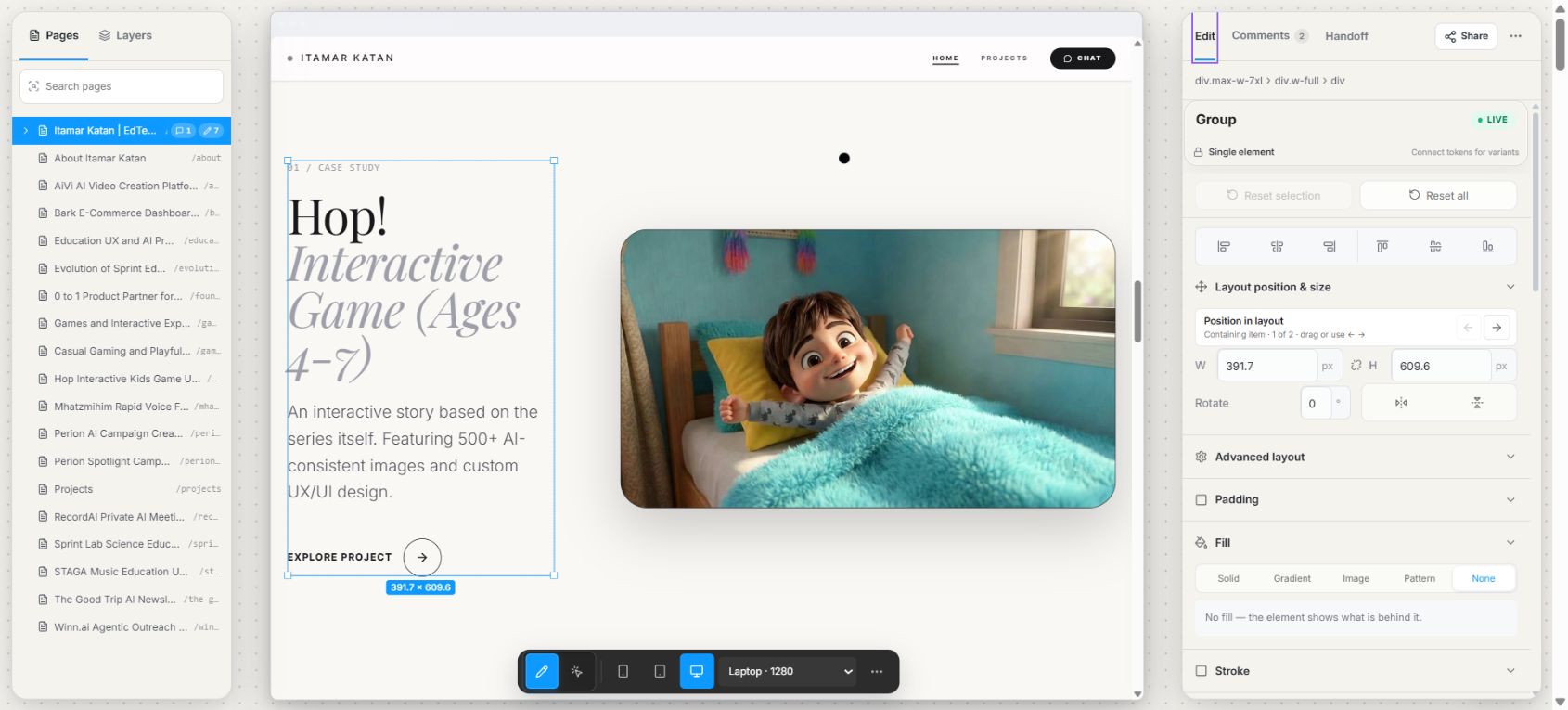
 391.7 × 609.6
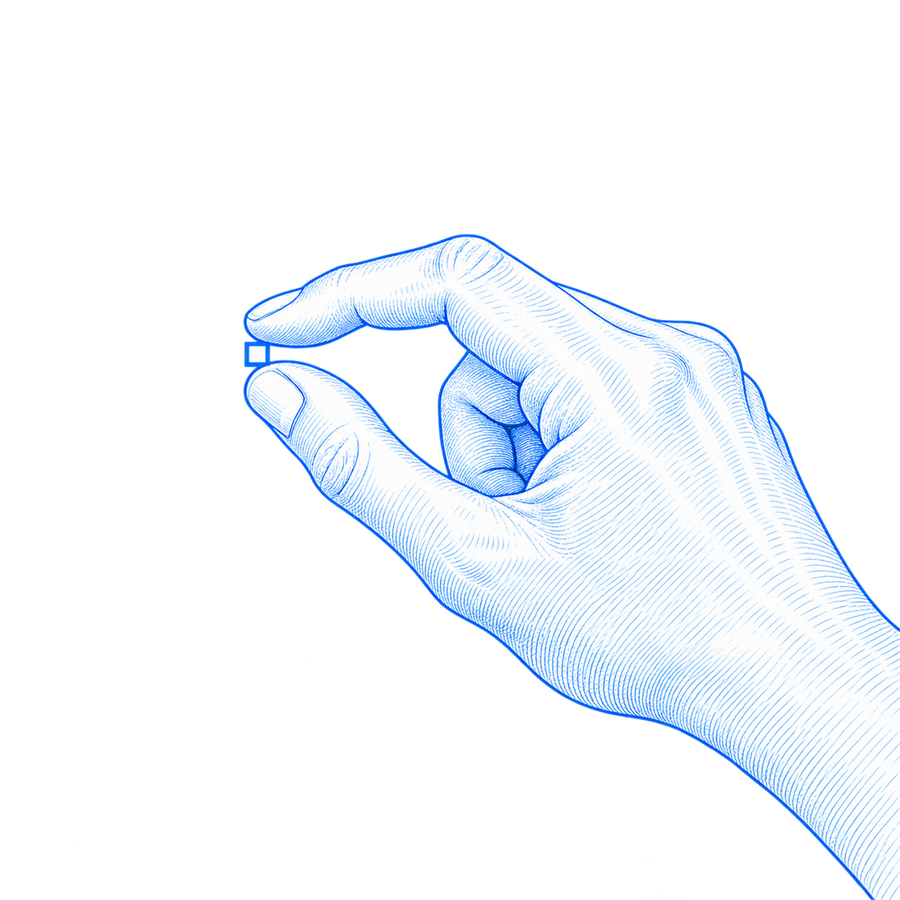
Pixel Poke is a free Chrome extension for visual editing of live websites. Click any element on a page, then adjust its text, typography, colors, spacing and layout by eye, with snapping, guides and measurements. Preview the page at real device widths from a 375px phone to a 1440px desktop, and check accessibility on the element you selected. When it looks right, copy the result as clean CSS or as written notes for a developer or an AI coding tool. Nothing on the site changes.
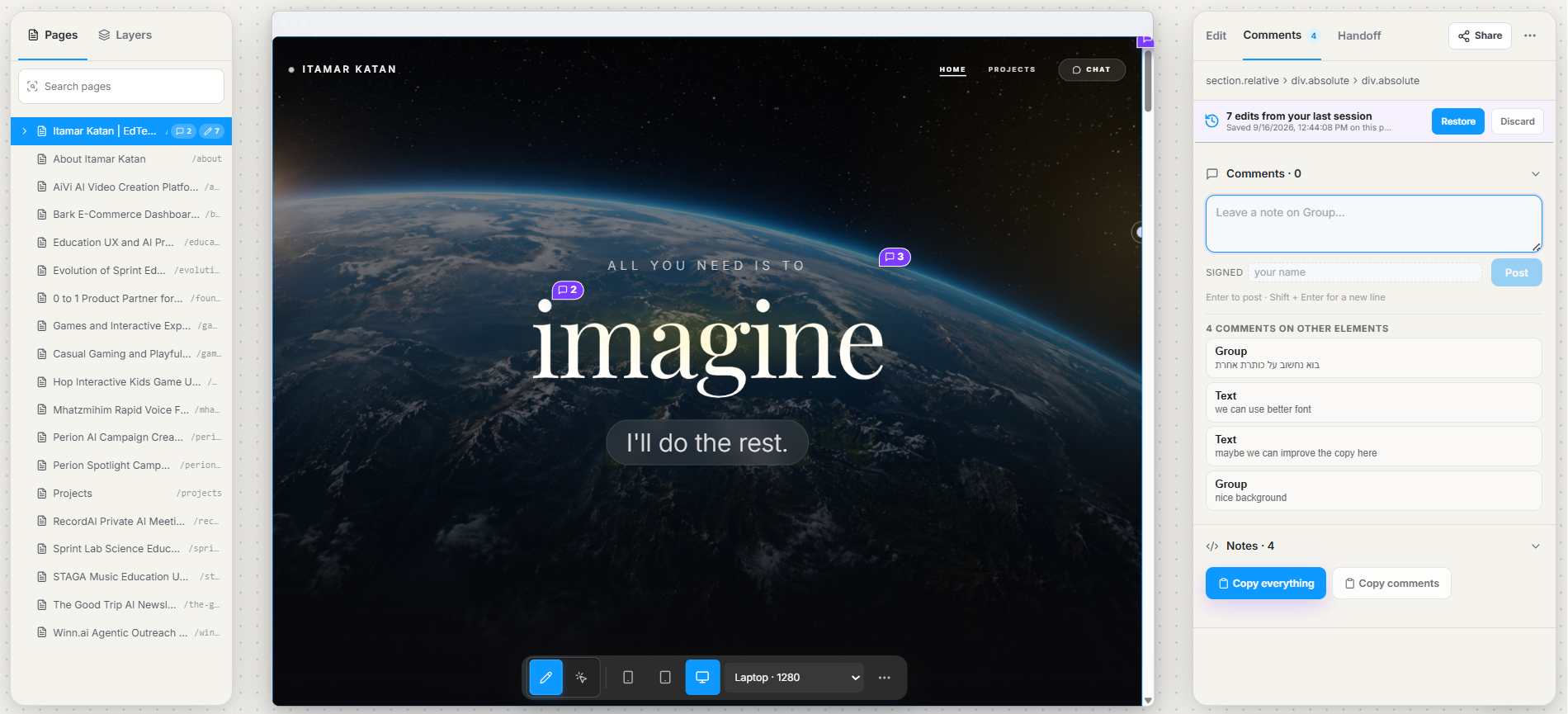
Shared pages.
A designer spots an issue, opens DevTools, takes a screenshot, then writes “can we make this 16px?” A developer must work it out again. Pixel Poke keeps the adjustment, the reason, and the result together in one working session.
Try it on your pageFor product designers and frontend developers sharing a page, but not necessarily its codebase.
Open the toolbar, then click an element. A selection frame locks on and the panel opens beside the page.
Drag, resize, recolour, or retype in place. Guides, measurements, snapping, and undo keep it precise.
Export one rule for each changed element, with notes, token names, and accessibility findings attached.
.hero-title {
  font-family: Fraunces, serif;
  font-size: 64px;
  font-weight: 700;
  color: #10233B;
  width: 320px;
}◉ Token: text-heading-1
◉ Note: Updated headline style
◉ A11y: Good contrast (7.2:1)
Load phone, tablet, and desktop widths in the panel, rotate them, and adjust the framed element directly.
Detect hover, active, focus, and disabled styles from the site’s CSS and preview each component state.
Bind values to your system, audit the page, and apply one change across component variants.
When a page uses !important, the preview outranks it and exported CSS keeps the same declaration.
Use plain JSON, DTCG or Style Dictionary, Tokens Studio, Tailwind config, unlabelled exports, or a URL that refreshes from your build.
Changes exist only in your current tab. Reload it and the page returns to its original state. You can skip sign-in and keep everything on your machine, or sign in with Google to mirror notes, unfinished adjustments, and saved handoffs between computers.
No site files or page content are written or modified. · Without sign-in, your work stays on your machine.
Read privacy policyPixel Poke is a Chrome extension for visual editing of live websites. You click any element on a page, change its text, typography, colors, spacing or layout right there, and copy the result out as clean CSS or as written handoff notes for a developer or an AI coding tool.
Install Pixel Poke, open the page, and press Alt+Shift+D or click the toolbar icon. Click an element to select it, then drag, resize, rotate or nudge it with the arrow keys. Figma-style snapping, smart guides and Alt-to-measure keep the changes precise.
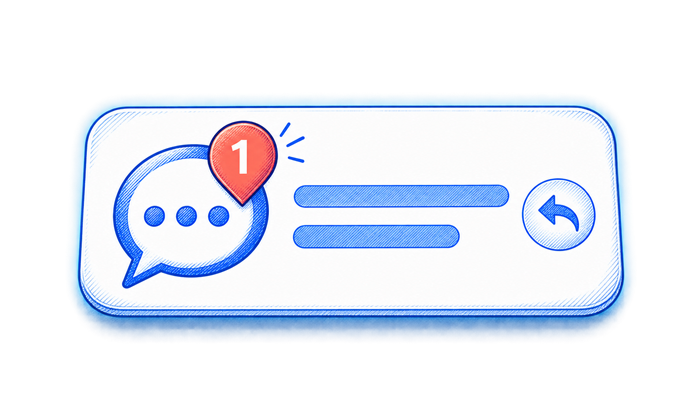
When the page looks right, copy your changes as clean CSS, one rule for each changed element, or as written handoff instructions that are ready to paste into a ticket or an AI coding tool. You can also pin comments to elements for the developer.
Yes. Pixel Poke is free to install from the Chrome Web Store and free to use. There is no paid plan yet.
No. Changes live only in your current tab, and reloading brings the page back to normal. The extension does not write to the site or its files, and it does not send page content anywhere.
No. Everything runs locally in your browser. Signing in with Google is optional and only syncs your notes, edits and saved handoffs across your devices.
Pixel Poke was designed and built by Itamar Katan, a product designer. You can read how and why he built it in the case study on his portfolio. Read the Pixel Poke case study.

The maker.
Pixel Poke is designed and built by Itamar Katan, an Israeli product designer and AI builder. Itamar designs products and ships them himself - from the first sketch to working code - with AI as a core part of his process. From 2022 to 2026 he designed and built learning products at MindCET, the EdTech innovation center of Israel’s Center for Educational Technology.
Select, tune, and hand off live UI directly from Chrome.